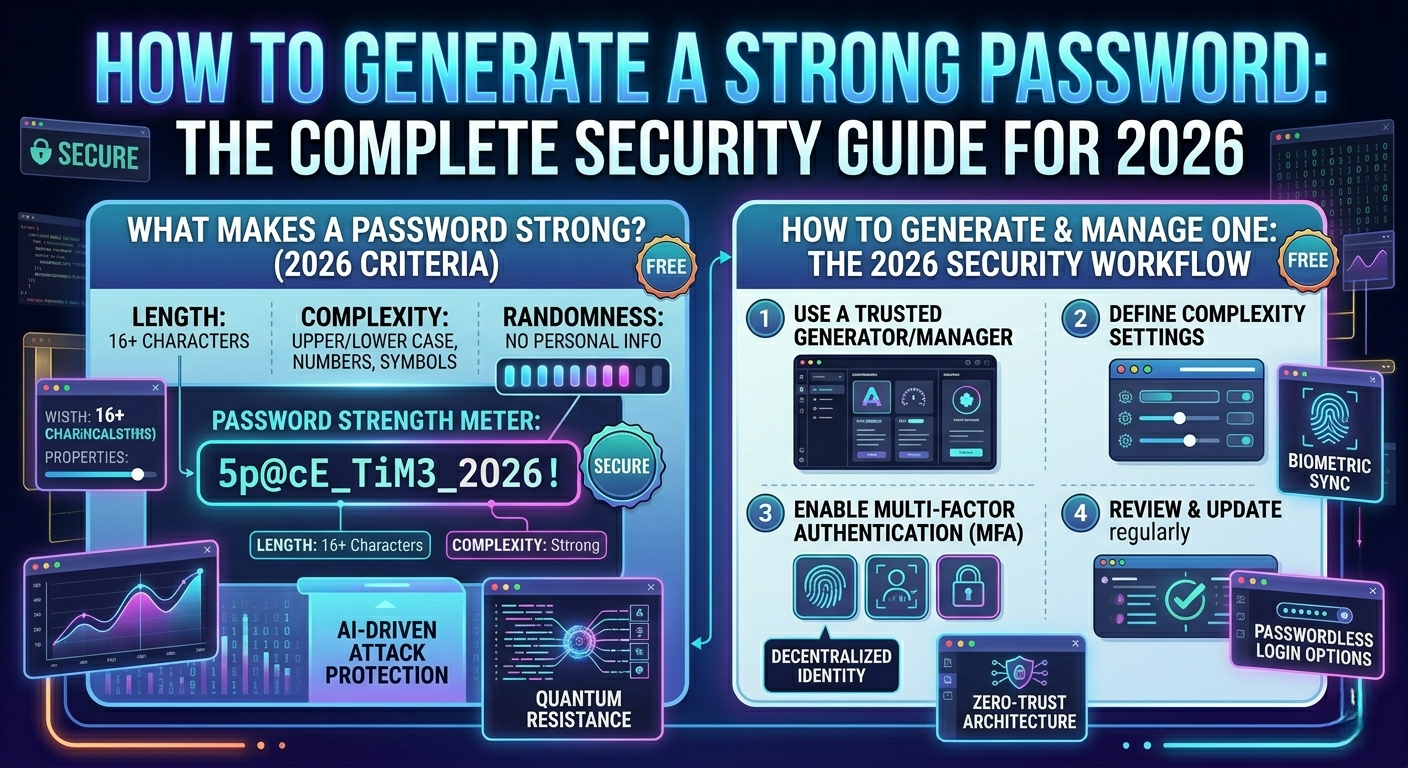
How to Generate a Strong Password: The Complete Security Guide for 2026
Learn how to create strong, secure passwords that protect your accounts. Discover best practices, common mistakes, and how to use a free password generator online instantly.
Passwords are the first line of defense for your online accounts, personal data, and digital identity. Yet despite years of security awareness campaigns, weak passwords remain the number one cause of account breaches. In 2024 alone, billions of credentials were exposed in data breaches — and the majority involved simple, predictable, or reused passwords.
This guide will teach you everything you need to know about creating strong passwords, the most common mistakes people make, and how to use a free online password generator to instantly create secure credentials for all your accounts.
What Makes a Password Strong?
- Length: Minimum 12 characters, with 16 or more being ideal. Each additional character exponentially increases cracking time.
- Complexity: Combine uppercase letters, lowercase letters, numbers, and special characters.
- Randomness: Avoid dictionary words, names, dates, or patterns like "password123".
- Uniqueness: Never reuse the same password across multiple accounts.
The Most Common Password Mistakes
Using personal information (name, birthday, pet's name), short passwords (under 8 characters), simple substitutions ("p@ssw0rd"), using the same password everywhere, writing passwords on paper or in unencrypted files, never changing passwords after a breach.
How to Generate a Strong Password Online
Step 1: Go to Toolrivo's free password generator. No account required.
Step 2: Set your parameters — length (16+ recommended) and character types (uppercase, lowercase, numbers, symbols).
Step 3: Click Generate — the tool creates a cryptographically random password instantly.
Step 4: Check the strength using a password strength checker.
Step 5: Save it securely in a reputable password manager (Bitwarden, 1Password, or KeePass).
Understanding Password Strength
Estimated cracking times (modern brute-force):
6 characters, numbers only: less than 1 second
8 characters, lowercase only: less than 1 minute
8 characters, mixed case + numbers: about 8 hours
12 characters, mixed case + numbers + symbols: several years
16 characters, fully random: billions of years
Password Best Practices for 2025
Use a password manager: Generate, store, and auto-fill unique passwords for every account.
Enable two-factor authentication (2FA): Even if someone steals your password, 2FA prevents access without a second verification step.
Check for breaches: Use Have I Been Pwned (haveibeenpwned.com) to check if your credentials were exposed.
Use passphrases when memorization is required: Example: "correct-horse-battery-staple" is stronger and easier to remember than "P@ssw0rd1".
Never share passwords via email, chat, text, or phone. Legitimate services will never ask for your password.
Conclusion: Strong password hygiene is one of the simplest and most effective ways to protect yourself online. Generate your free secure password now at Toolrivo — customize length, character types, and get an instant result with no login required.