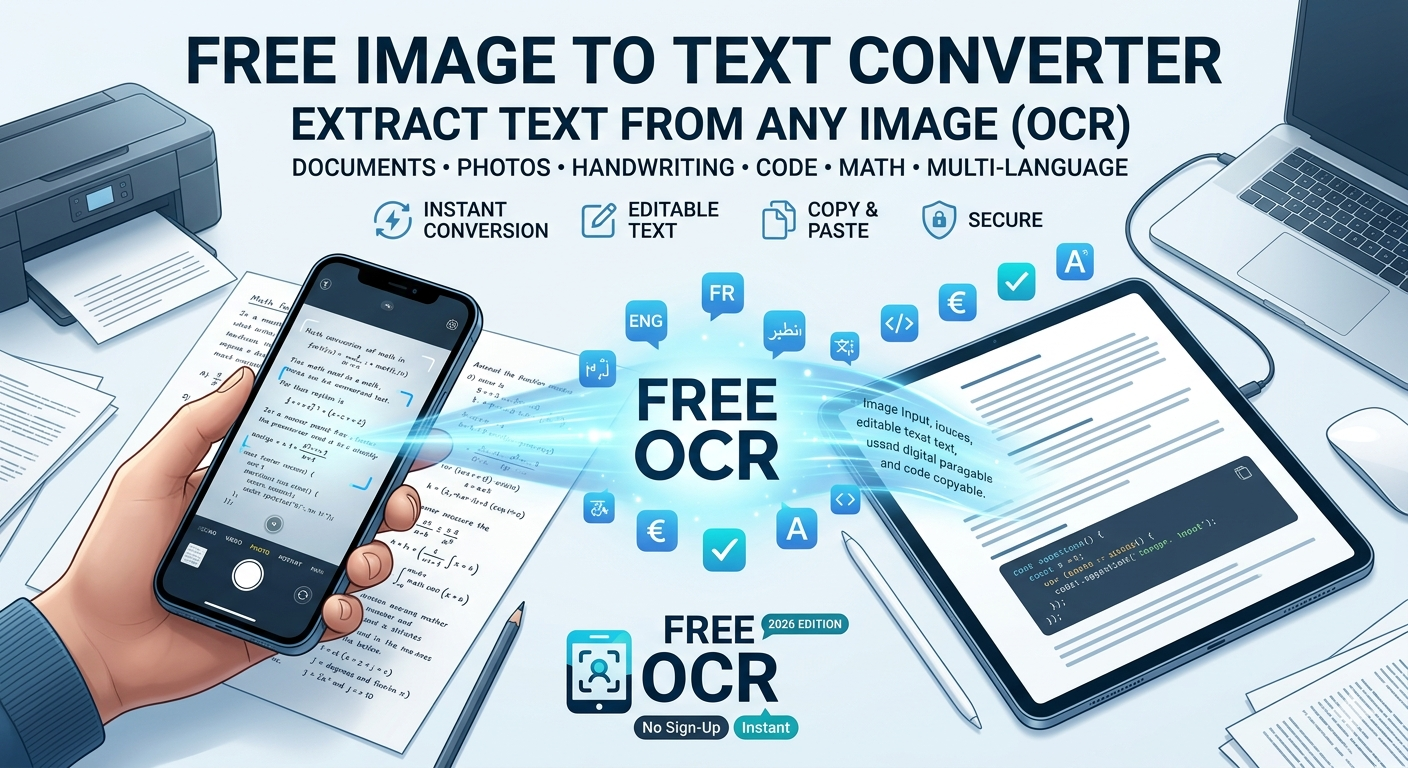
Free Image to Text Converter: Extract Text from Any Image (OCR)
Convert images to editable text with our free online OCR tool. Extract text from screenshots, scanned documents, and photos. No sign-up, no limits, and 100% free.
Free Image to Text Converter: Extract Text from Any Image (OCR)
Have you ever needed to copy text from an image, a scanned PDF, or a screenshot? Manually retyping is time-consuming and error-prone. Optical Character Recognition (OCR) technology allows you to automatically extract text from any image in seconds.
In this guide, we'll show you how to use the best free Image to Text converter in 2026 to get instant, accurate results.
What is an Image to Text Converter (OCR)?
An Image to Text converter uses OCR (Optical Character Recognition) to scan image files, recognize letters and numbers, and convert them into an editable text format. In 2026, OCR solutions have reached a new level in precision, speed, and integration, making this technology more accessible than ever[reference:6].
Best Free OCR Tool in 2026
After testing several options, Toolrivo's Image to Text Converter is the best free choice. It supports multiple file formats (PNG, JPG, WEBP, and even PDFs) and delivers highly accurate results.
- 100% Free: No hidden costs or credit card required.
- No Sign-Up: Use it instantly.
- High Accuracy: Advanced OCR engine for reliable text extraction.
- Privacy First: Images are processed locally and are not stored on our servers.
👉 Try it now: toolrivo.com/tool/image-ocr
How to Extract Text from an Image
- Go to Toolrivo's Image to Text Converter.
- Upload your image (supports JPG, PNG, WEBP).
- Click "Extract Text".
- Copy the extracted text to your clipboard or download it as a .txt file.
Common Use Cases for OCR
- Digitizing printed documents: Convert paper documents or scanned images into digital text.
- Extracting text from screenshots: Perfect for copying code from a tutorial image or text from a social media post.
- Processing business cards: Quickly save contact information.
- Academic research: Turn photos of textbook pages or articles into editable text.
Frequently Asked Questions
What file formats are supported?
You can upload JPG, PNG, WEBP, and even PDF files.
Is it really free?
Yes, the tool is completely free to use with no limits, and no sign-up is required.
How accurate is the text extraction?
Accuracy depends heavily on the image quality. For best results, use a clear, high-contrast image with well-defined text.
Conclusion
Manually retyping text from images is a thing of the past. With Toolrivo's free and accurate Image to Text converter, you can extract and repurpose information in seconds, saving you valuable time and effort.